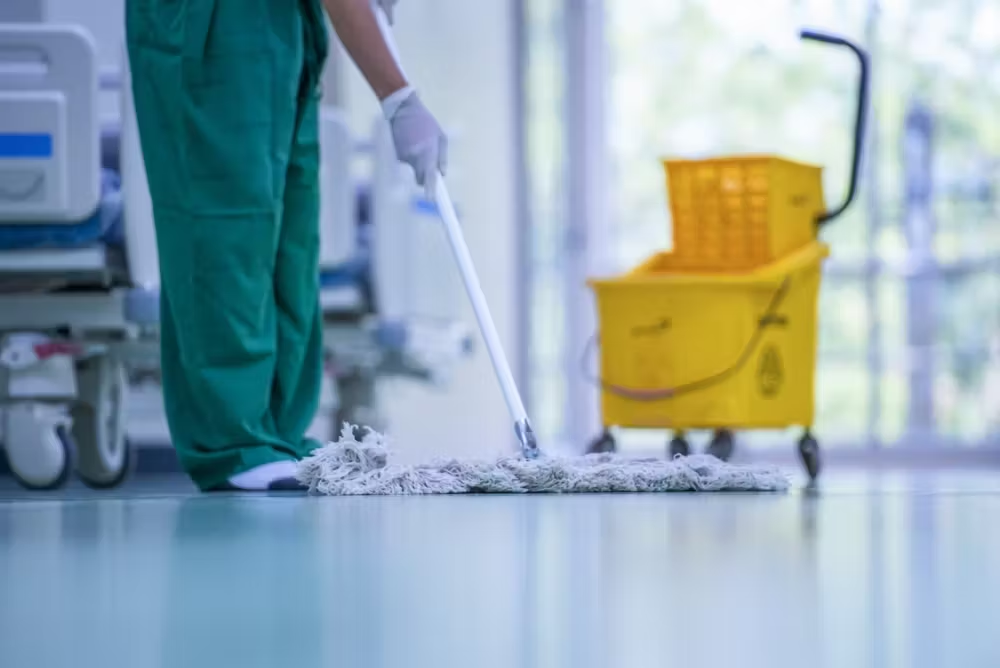
Keeping office equipment clean and sanitized is essential for maintaining a healthy work environment and ensuring the longevity of the equipment. Here are some best practices for keeping office equipment clean and sanitized:
1. Establish a Regular Cleaning Schedule
- Daily Wipe Down: High-touch surfaces like keyboards, mice, phone handsets, and copier buttons should be wiped down daily with disinfectant wipes or a cloth dampened with isopropyl alcohol.
- Weekly Deep Clean: Schedule a more thorough cleaning of office equipment weekly, including dusting and cleaning larger equipment like printers, copiers, and monitors.
- Monthly Maintenance: Include tasks like cleaning interior components of equipment (e.g., printer rollers, computer vents) and checking for wear and tear that might require professional servicing.
2. Use the Right Cleaning Products
- Disinfectant Wipes: Use wipes that are effective against viruses and bacteria, but safe for use on electronic equipment. Ensure they are not overly saturated to avoid damage.
- Isopropyl Alcohol (70% or higher): Ideal for disinfecting and removing grime without leaving residue. Apply it to a microfiber cloth rather than directly on the equipment.
- Compressed Air: Use to remove dust and debris from hard-to-reach areas like keyboard crevices, computer vents, and printer components.
- Microfiber Cloths: Non-abrasive cloths that effectively clean without scratching surfaces or leaving lint behind.
3. Implement Personal Hygiene Practices
- Hand Sanitizer: Encourage employees to use hand sanitizer before and after using shared office equipment.
- Handwashing: Promote regular handwashing, especially before using communal equipment like copiers and phones.
- Limit Eating at Desks: Encourage employees to avoid eating at their desks to prevent crumbs and spills from contaminating equipment.
4. Designate Cleaning Responsibilities
- Assign Tasks: Clearly assign cleaning responsibilities to ensure consistency. This could involve rotating duties among employees or designating a specific person or team for equipment cleaning.
- Provide Training: Ensure that all employees understand the proper techniques and products to use for cleaning specific types of office equipment.
5. Protective Covers and Cases
- Use Dust Covers: When equipment is not in use, cover it with dust covers to prevent dust buildup, especially for equipment like printers and copiers.
- Keyboards and Mice Covers: Consider using protective covers for keyboards and mice, which can be easily removed and cleaned.
6. Proper Use and Handling of Equipment
- Avoid Touching Screens: Encourage the use of a stylus or other tools for touchscreen devices to minimize fingerprints and reduce the need for frequent cleaning.
- Gentle Cleaning: Avoid using excessive force when cleaning equipment, especially on delicate components like screens and keyboards, to prevent damage.
7. Disinfect Shared Equipment After Each Use
- Immediate Sanitization: In a shared office environment, disinfect shared equipment like conference room phones, communal keyboards, and copiers immediately after use to prevent cross-contamination.
- Provide Sanitizing Stations: Set up sanitizing stations near shared equipment with disinfectant wipes or sprays and hand sanitizer for easy access.
8. Ventilation and Air Quality
- Improve Air Circulation: Ensure that the office is well-ventilated, as good air circulation helps reduce the amount of dust settling on equipment.
- Air Purifiers: Consider using air purifiers to help maintain cleaner air and reduce the accumulation of dust on office equipment.
9. Monitor and Maintain Cleanliness
- Regular Inspections: Periodically check the cleanliness of office equipment to ensure cleaning routines are being followed effectively.
- Feedback and Adjustments: Encourage employees to report any issues with equipment cleanliness and adjust cleaning practices as needed.
10. Invest in Professional Cleaning Services
- Periodic Deep Cleaning: Consider hiring professional cleaning services for a deep clean of office equipment, particularly for delicate or high-value items.
- Specialized Equipment Cleaning: Professionals may offer specialized cleaning for equipment that requires more careful handling, such as computers, printers, and copiers.
Summary
To keep office equipment clean and sanitized, establish regular cleaning schedules, use appropriate cleaning products, implement personal hygiene practices, and ensure proper handling of equipment. Assign cleaning responsibilities, protect equipment with covers, and encourage sanitization of shared devices. Regularly monitor cleanliness and consider professional cleaning services for specialized care. Maintaining a clean and sanitized office environment helps prevent the spread of germs and prolongs the life of office equipment.
